How to Make Your Own Action Webtoon with AI: A Step-by-Step Guide
From premise to published episode: how to pitch, cast, script and draw a vertical action comic with AI while keeping your characters consistent on every page.
You have the scene in your head: the blade, the tower, the line your hero says right before everything changes. AI can now take you from that scene to a finished, scrollable episode, without a drawing tablet.
Here's the workflow we use in the Toonor Studio, step by step, with the decisions that make the difference between a pile of pretty images and a comic people binge.
Key takeaways
1Start from a one-line pitch with a genre, a hero and a turn.
2Lock your character sheets before drawing pages; consistency is everything.
3Script page by page, with pacing in mind, then let the pages render.
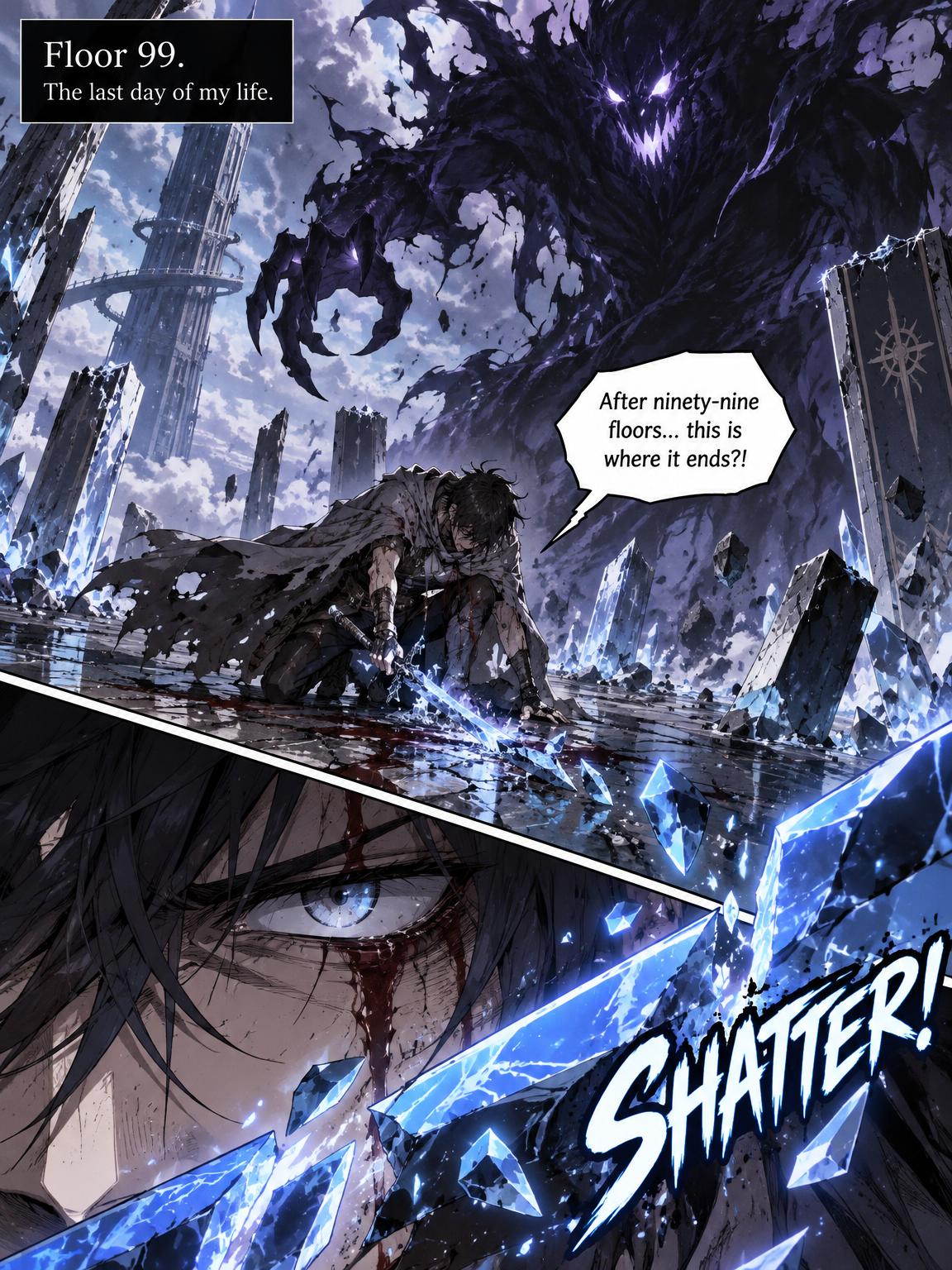
Give a premise and a genre. A strong pitch has a hero, a goal and a twist: “A climber dies on the tower's 99th floor and wakes up on the first, years in the past.” The Studio turns it into a title, logline and world.
2
Cast your characters
Generate a character sheet for each lead and redraw until it feels right. This sheet becomes the reference the Studio uses on every page, so take your time here.
3
Outline and script
Outline the season, then script each episode page by page: what's in the panel, who's in it, what they say, and how much space comes before the next beat. Episodes run 6–16 pages, 8 by default.
4
Draw and publish
Pages render in the background. Review them, redraw any that miss, then publish the episode for readers on Toonor, free to read on any screen.
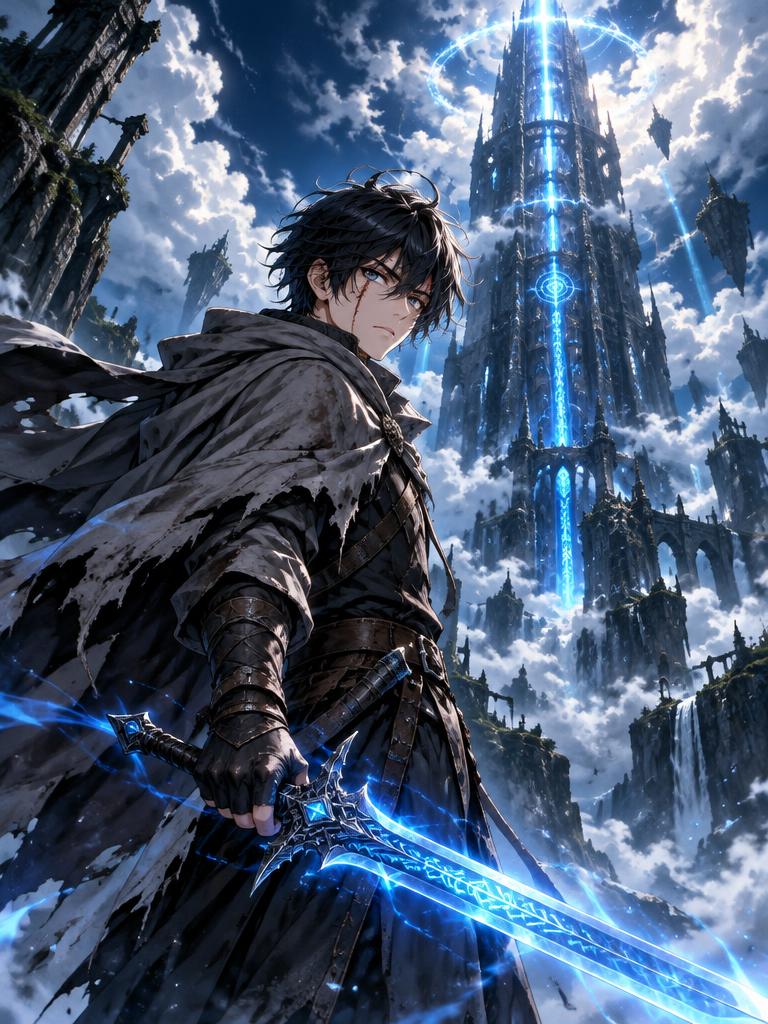
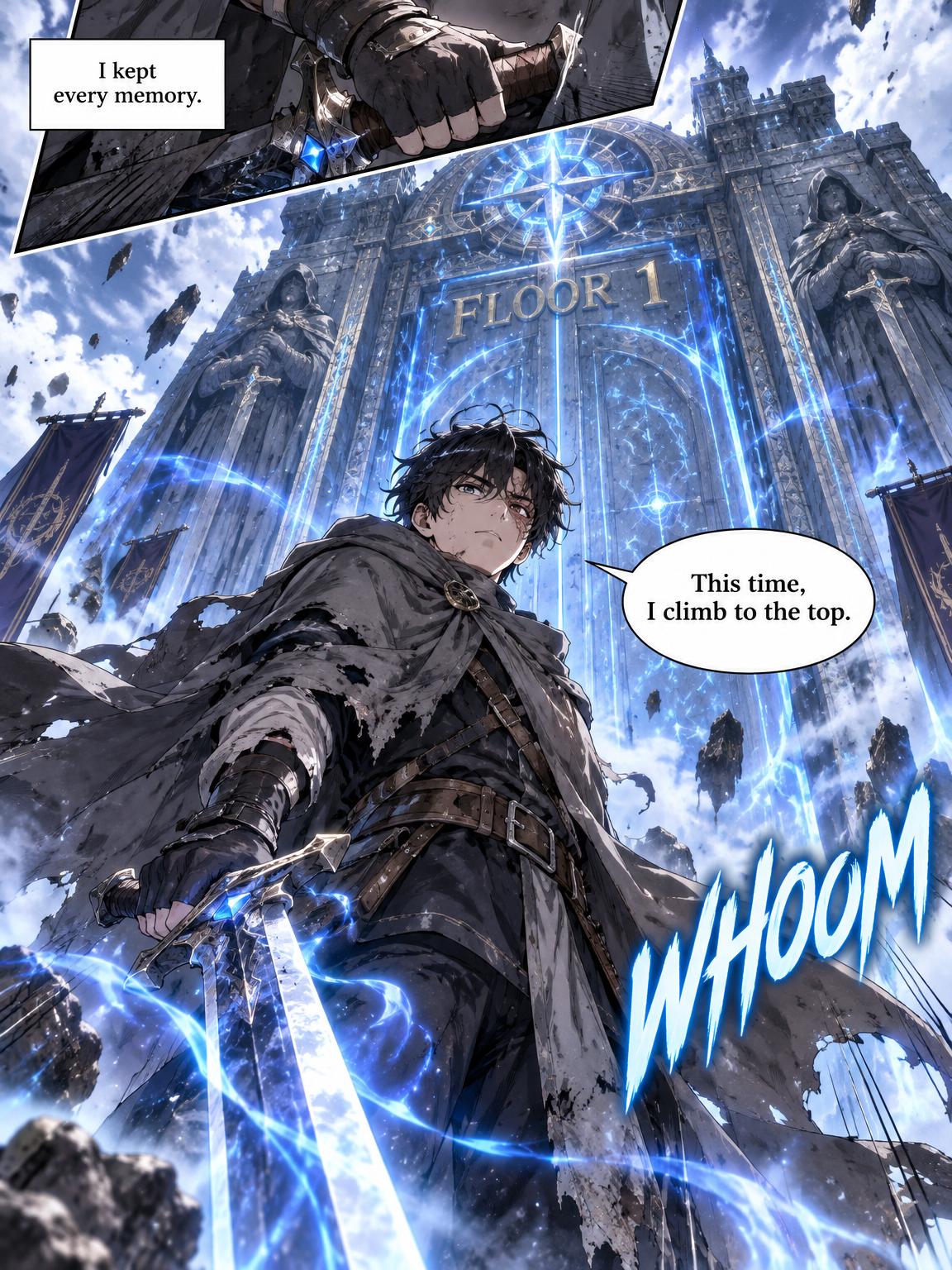
The number one tell of an amateur AI comic is a hero whose face changes every panel. The fix is a reference sheet used as an input on every page. Drag the slider to compare the climber's reference art with how he appears in the finished episode.
⇆
ReferenceOn the page
Same cloak, same hair, same blue blade. The reference sheet keeps him recognisable from cover to cliffhanger.
Pro tip
List exactly who appears on each page in your script. Sending only the characters in the scene keeps the model focused, and it keeps background extras from borrowing your hero's face.
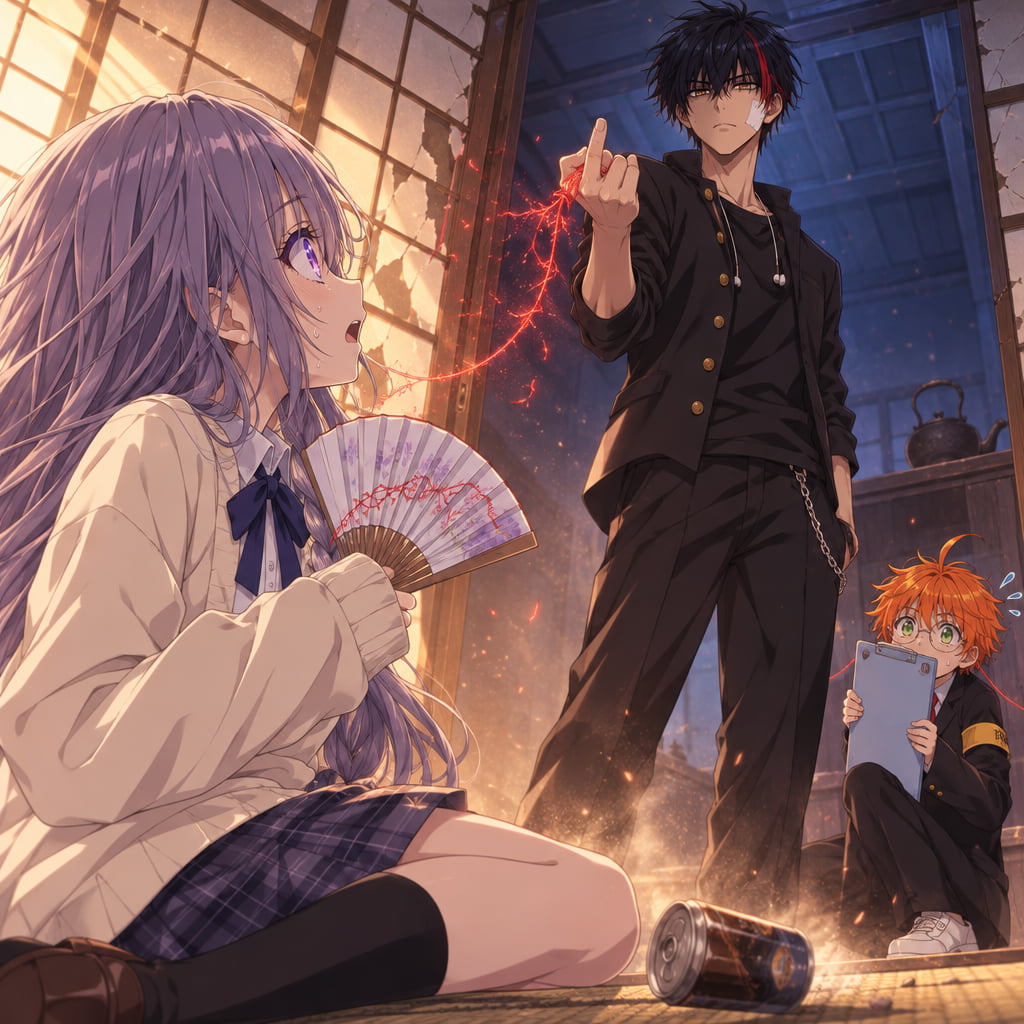
The same workflow handles any genre. Romance fantasy leans on expressions and costume detail; cosy slice of life on warm lighting and small gestures. Swap the pitch, keep the process.
Romance fantasy, slice of life and tower action, all made with the same four steps.
Grow on autopilot
Once your series is running, Studio Pro's Autopilot can plan the next episodes, render them and post them to your connected social accounts on a schedule. See creator plans.
Your turn
Pitch your first episode today
Credits cover every script and page, and readers pay nothing to read.
Yes. With an AI comic studio you describe the story, design the characters with prompts and edits, and the studio draws the pages. Your job becomes directing: the premise, the script, the pacing and which takes to keep.
How do you keep characters consistent in AI comics?
Create a character reference sheet first and reuse it on every page. Toonor sends the reference art for each character listed on a page along with the prompt, so faces, outfits and colours stay recognisable across the episode.
How long should a webtoon episode be?
Most vertical comic episodes run somewhere between six and sixteen tall pages. Toonor's studio defaults to eight pages, enough for a setup, a turn and a cliffhanger.
 Craft
 Toonor Originals
 Toonor Originals