iPhone · iPad · Mac
Your next favorite story, in your pocket.
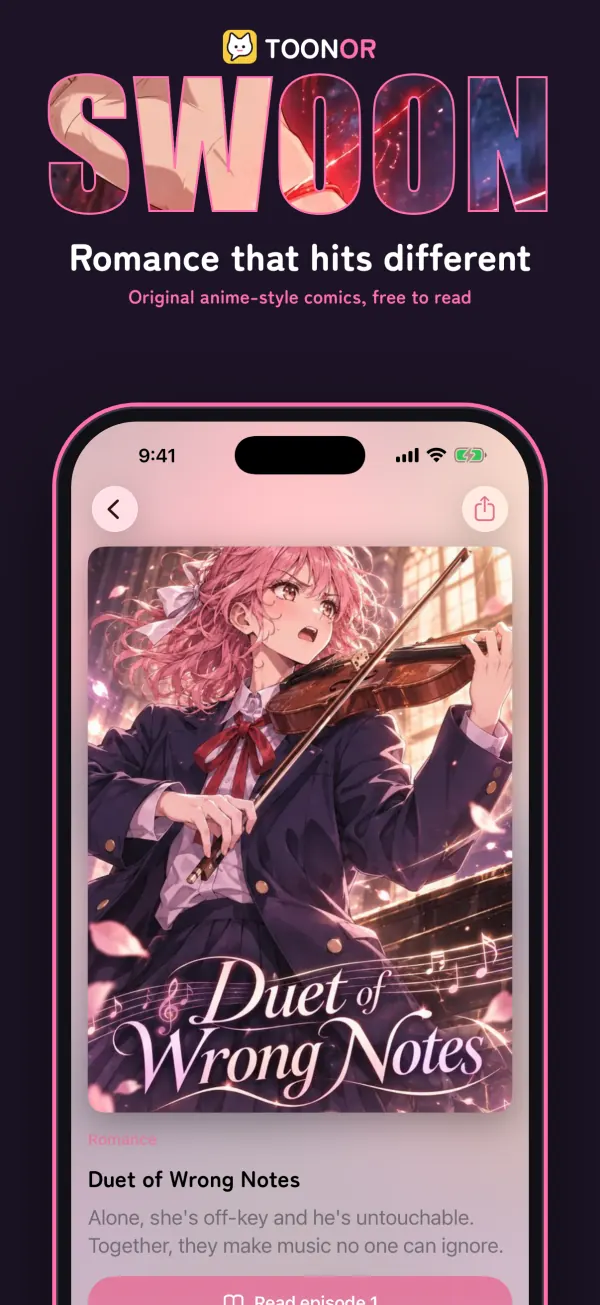
The Toonor app brings original anime-style comics to iPhone, iPad and Mac. Every episode is drawn in full color for a vertical scroll, scored with its own music, and free to read.
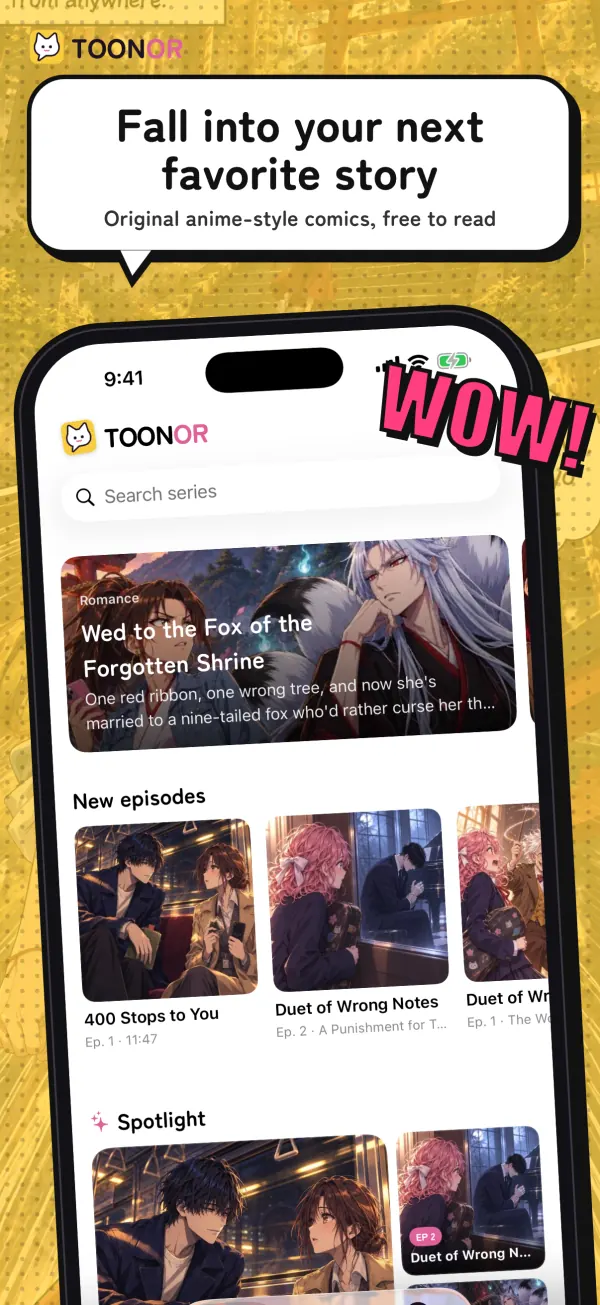
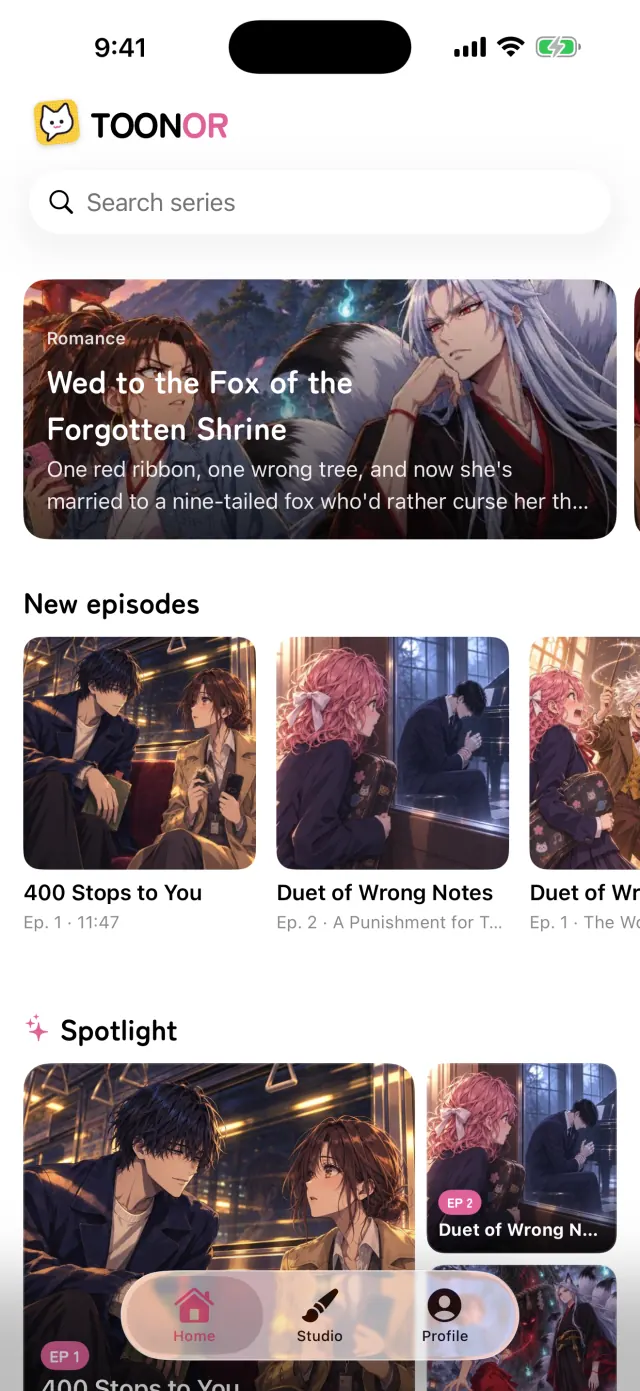
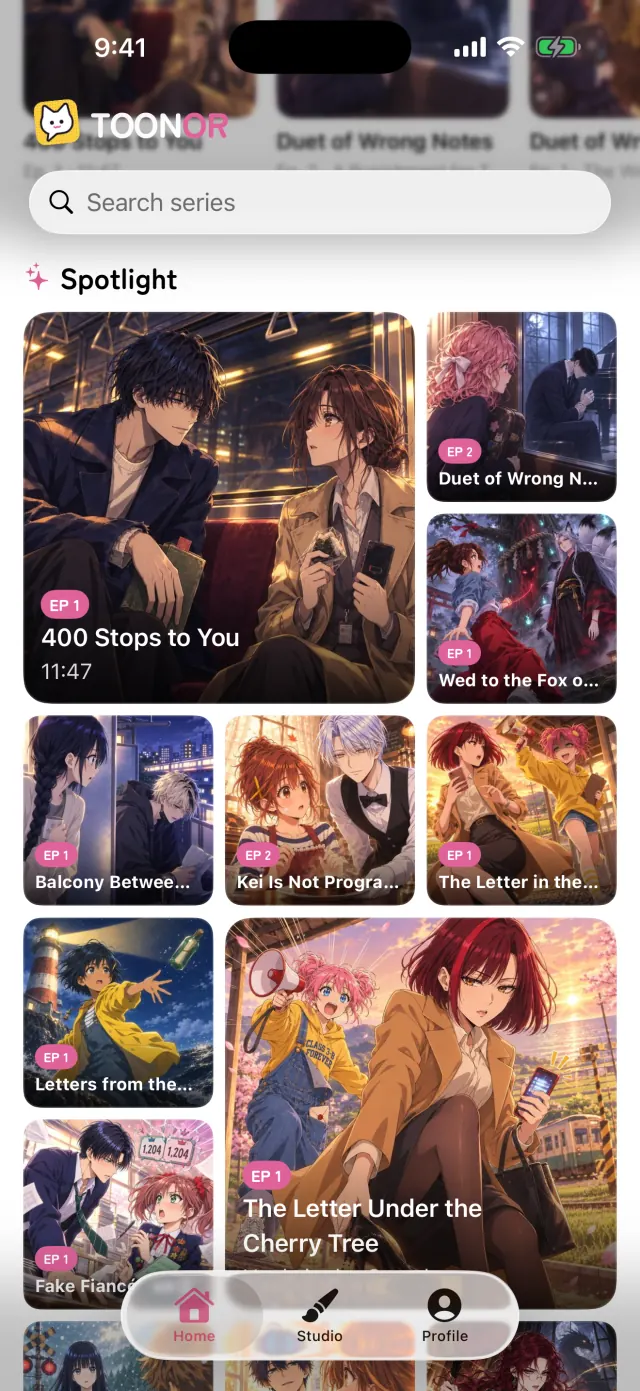
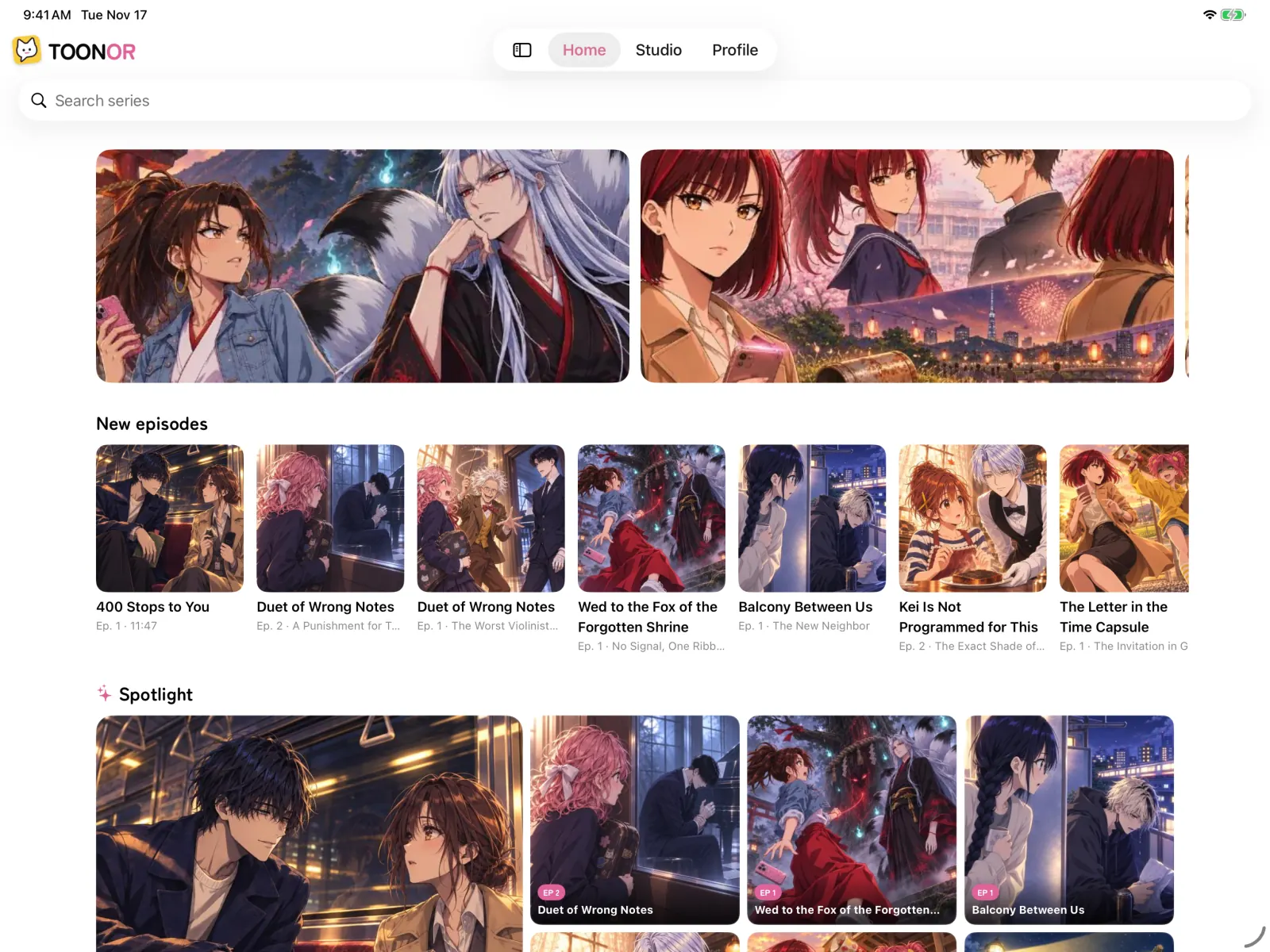
A home screen full of stories
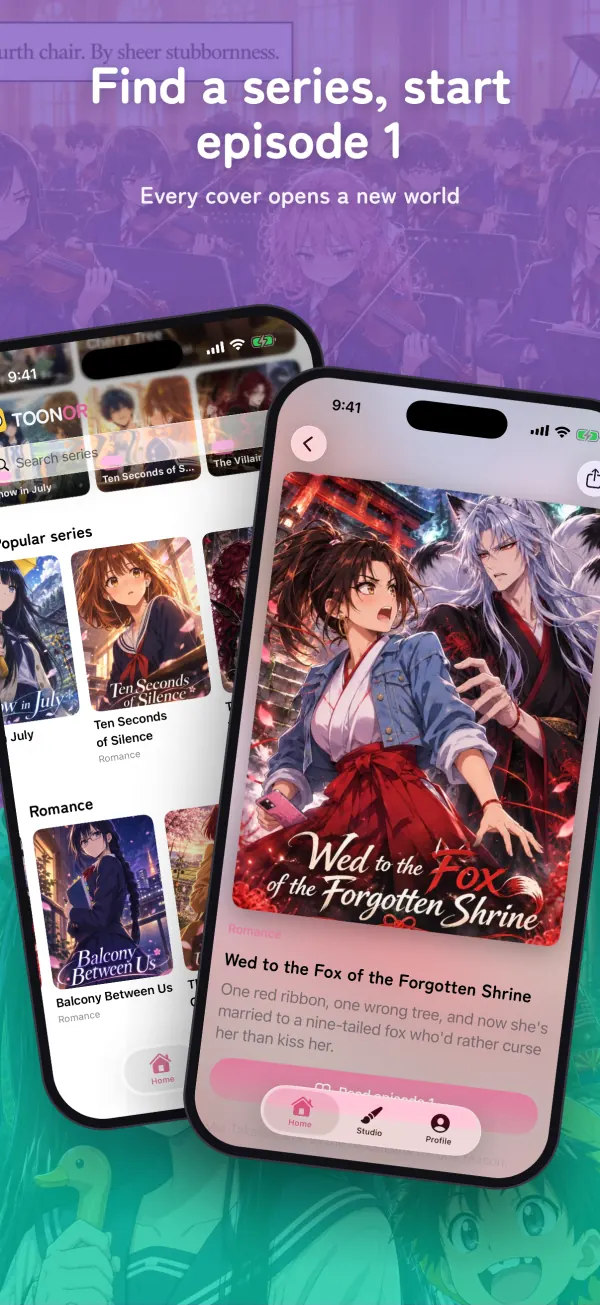
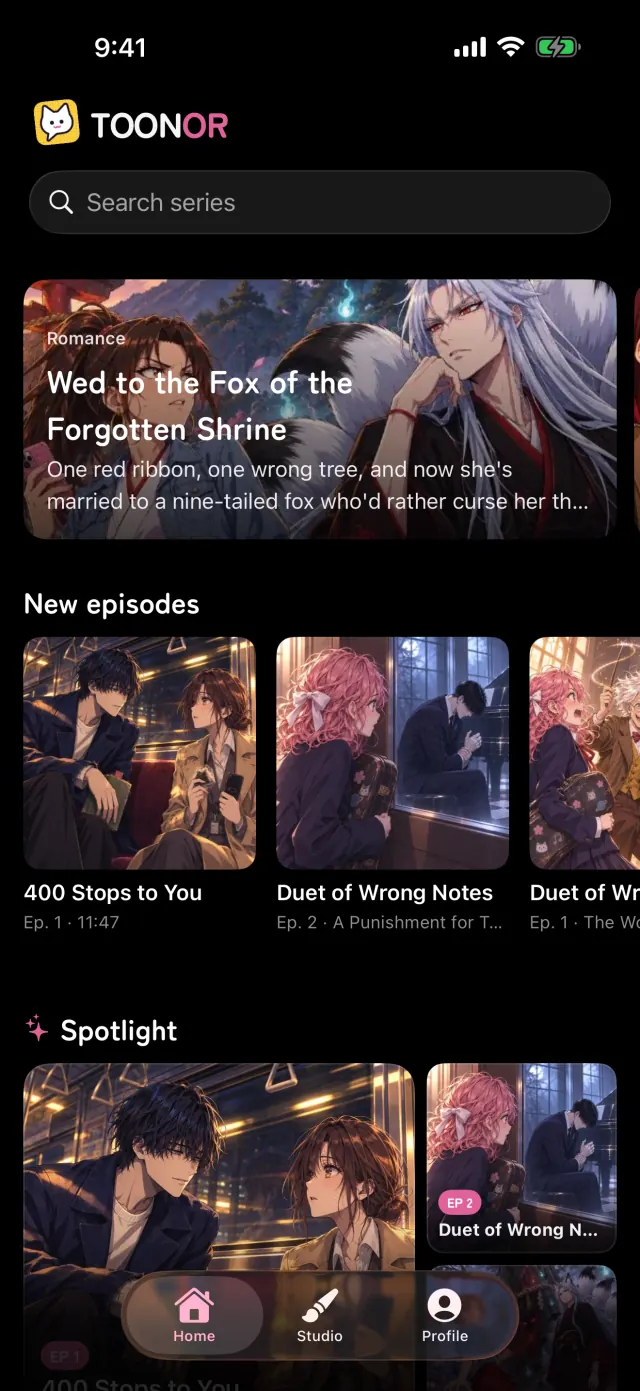
Open the app and the newest episodes are waiting. Featured series, a spotlight shelf, popular picks and a row for every genre: romance, fantasy, drama, slice of life and more.
Search by title from the top of Home, or tap “See all” on any shelf to dive into a whole genre.
Made for the scroll
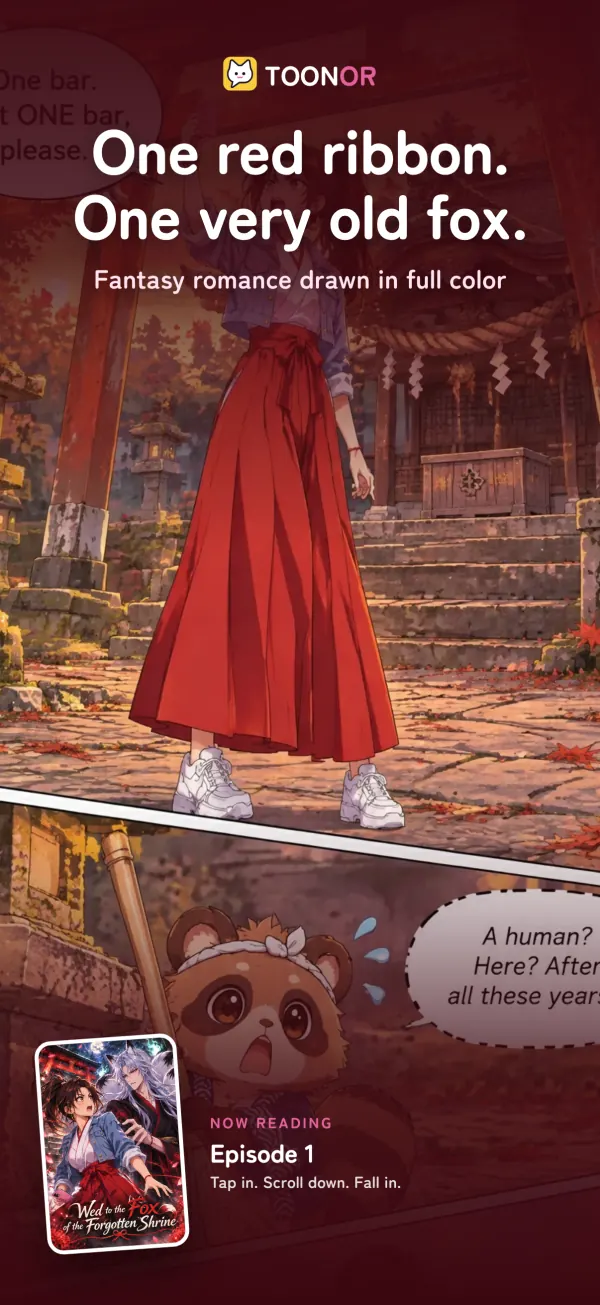
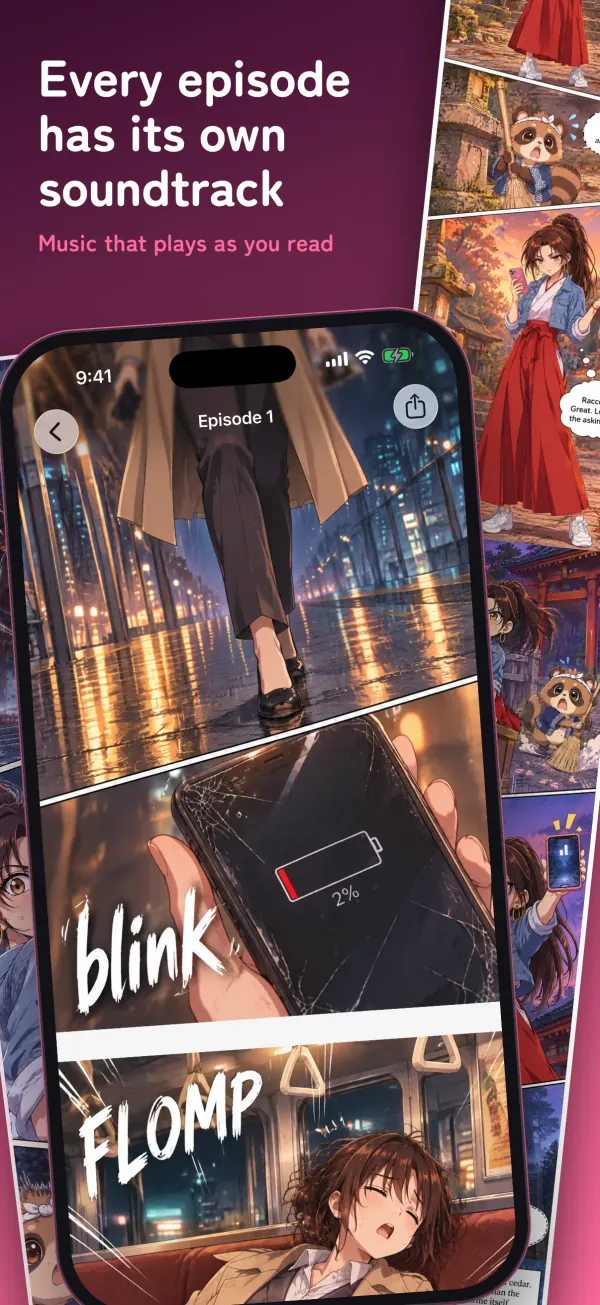
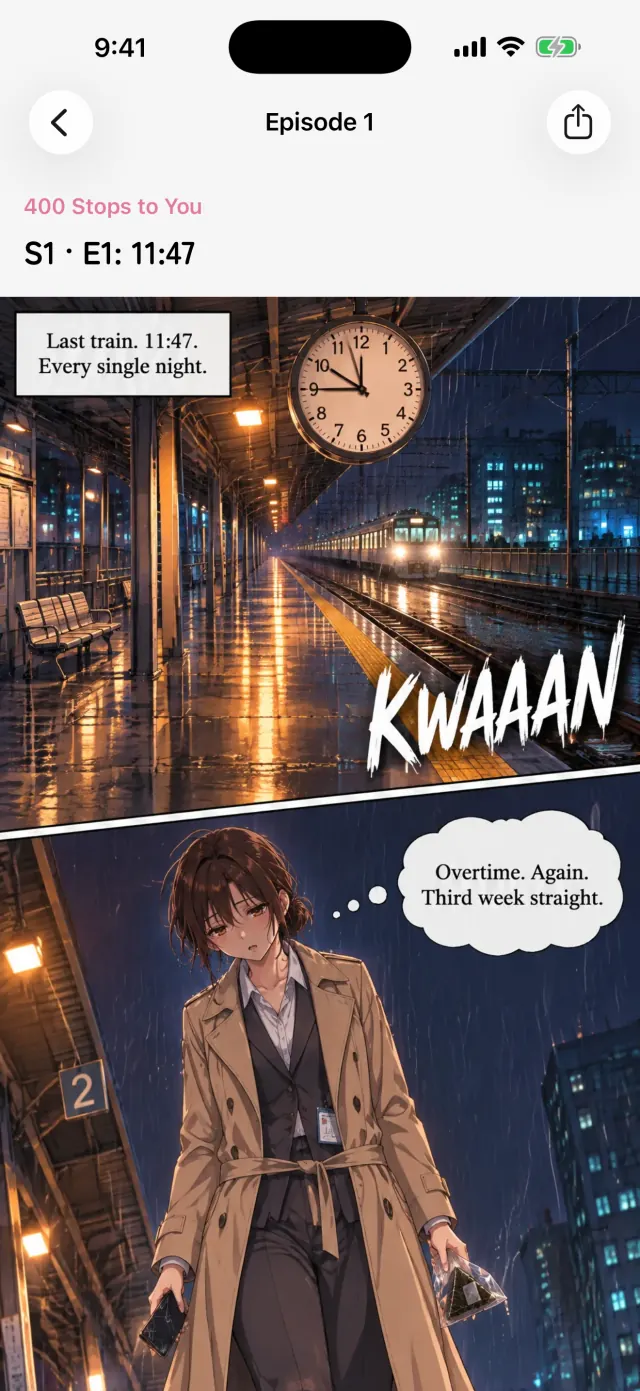
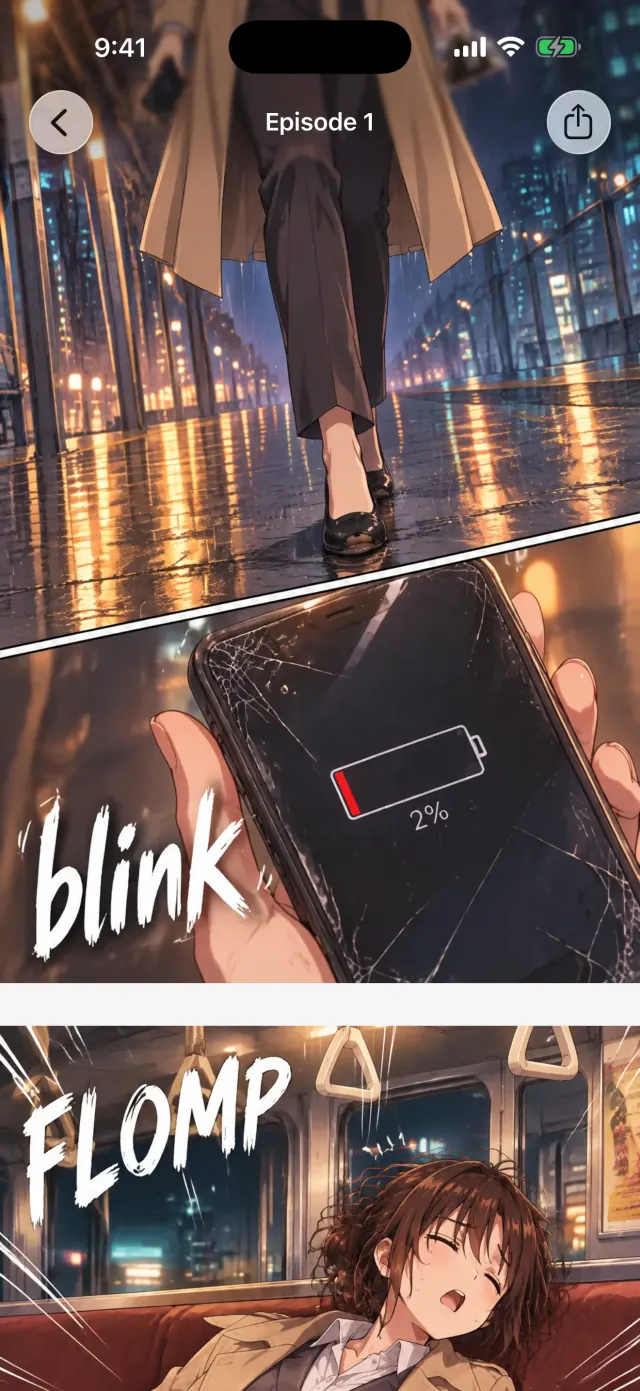
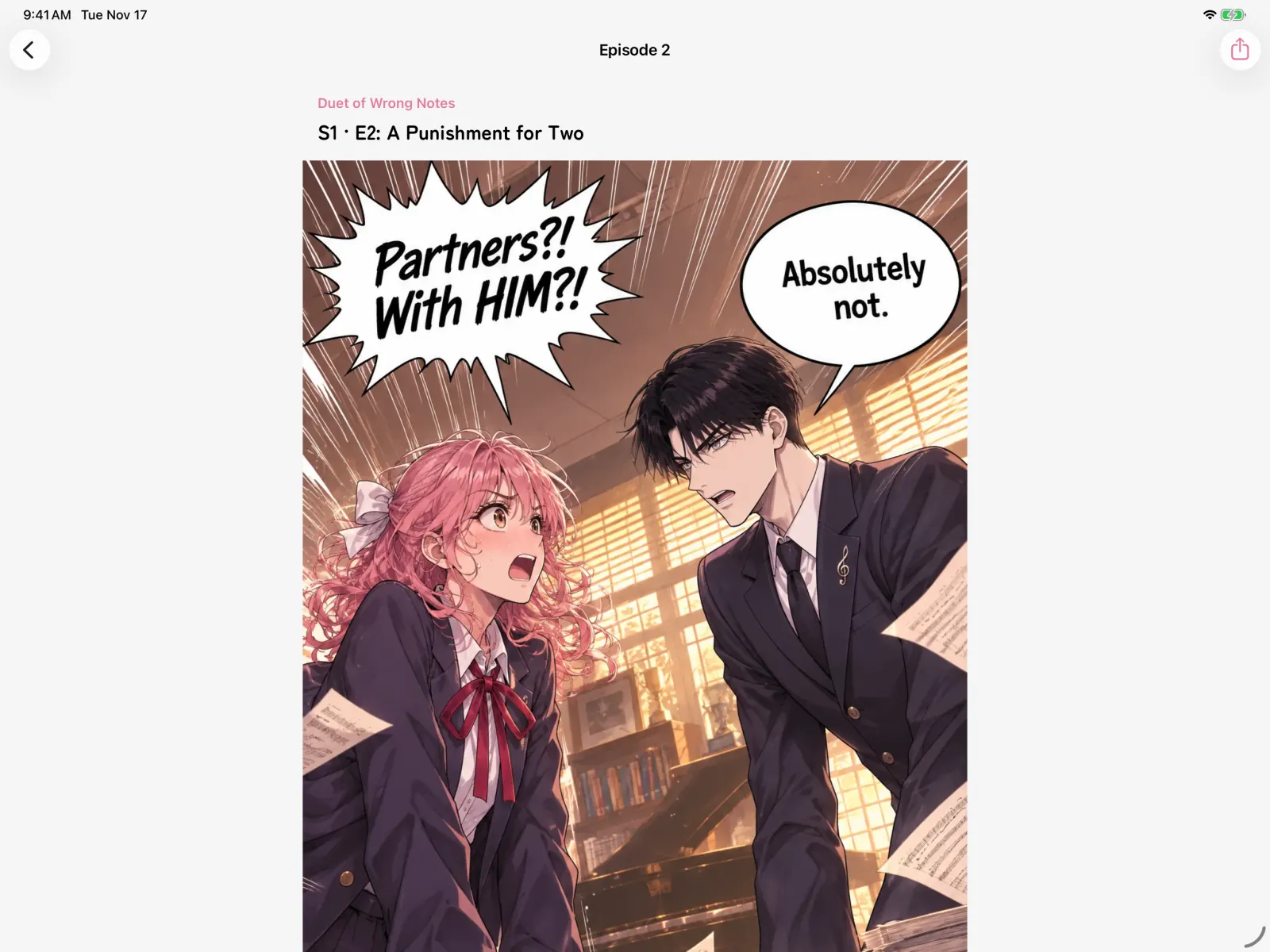
Episodes are one long, continuous strip. Panels are spaced for pacing, so a quiet beat lingers and a reveal lands right as you thumb down.
Like an episode, read the comments, share a link with a friend, and jump straight to the next chapter when you reach the end.
Every series has a soundtrack
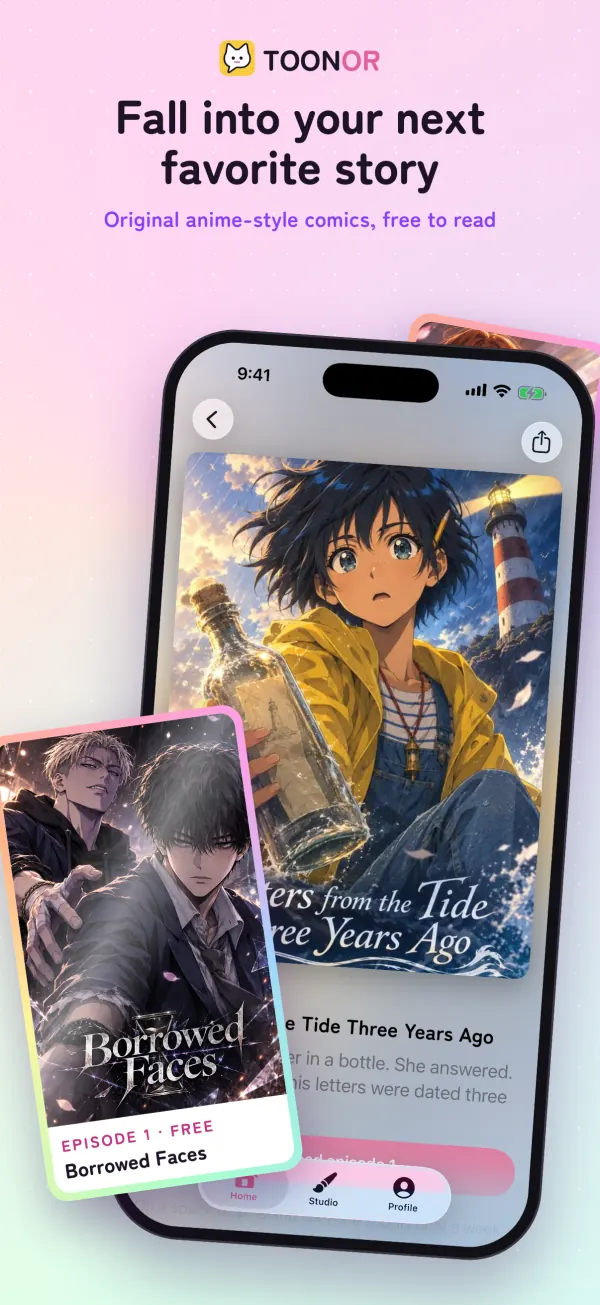
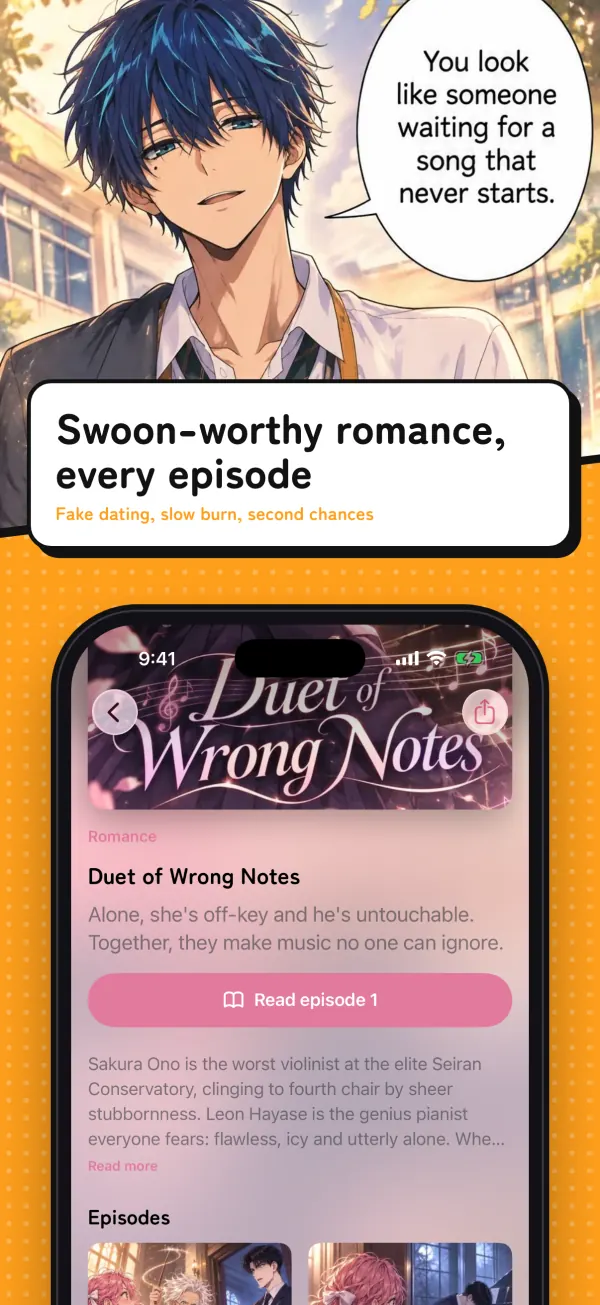
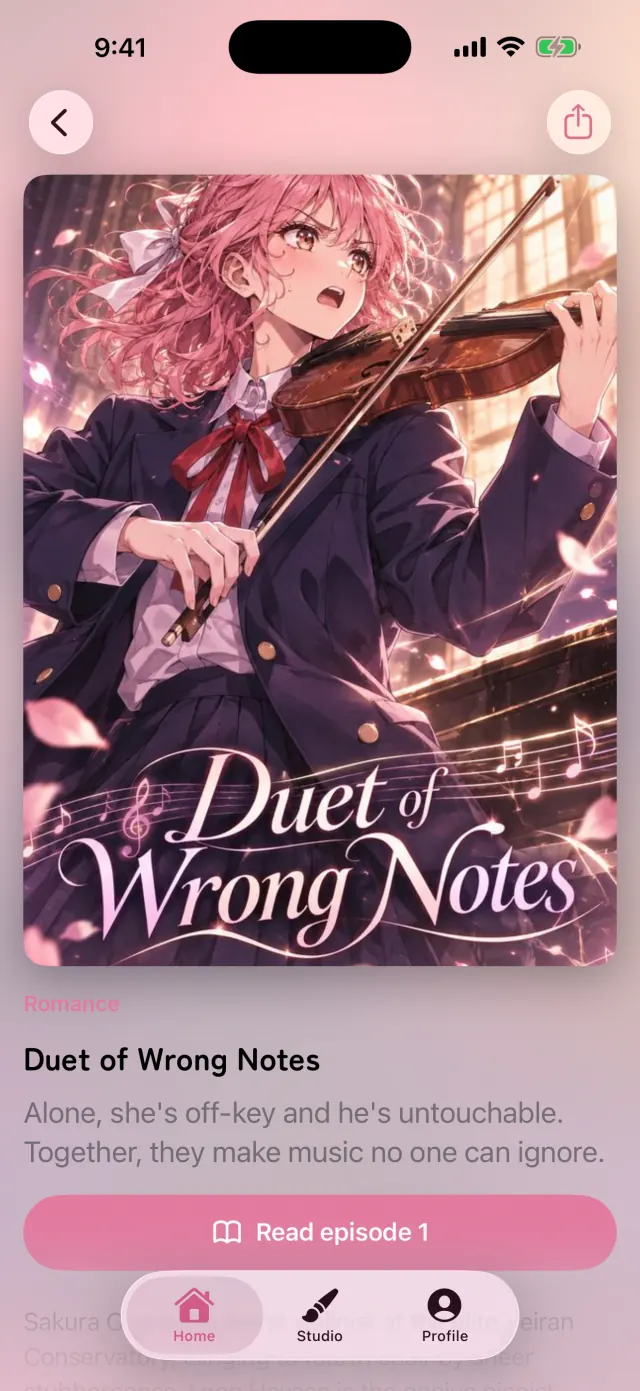
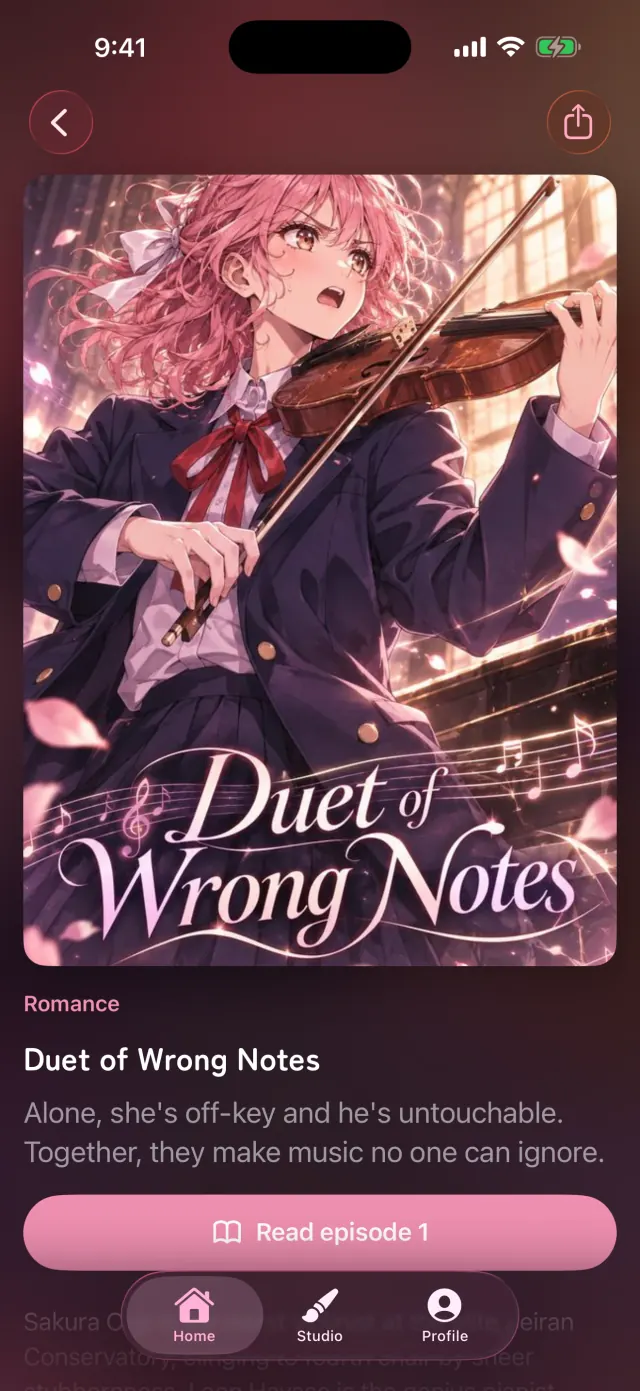
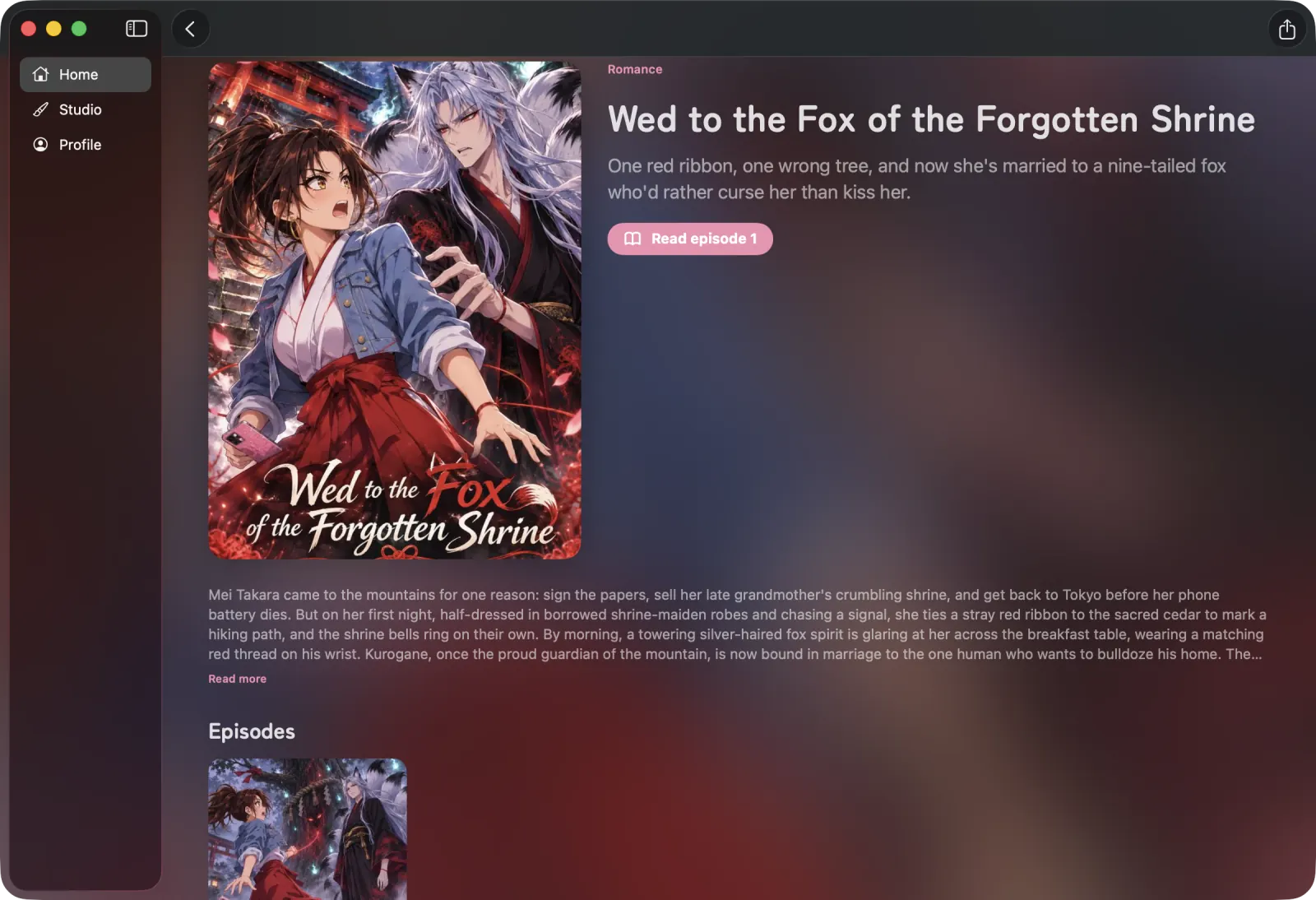
Each series page shows the cover, the story and every episode. Start reading and an original anime-style track starts playing on a loop, set to the mood of the story.
It plays alongside your own audio and never needs a play button. Hear them all in the music library.
Late-night reading, easy on the eyes
Toonor follows your system appearance, or pick light or dark in Settings. Covers and art stay vivid either way.
Bigger art on iPad and Mac
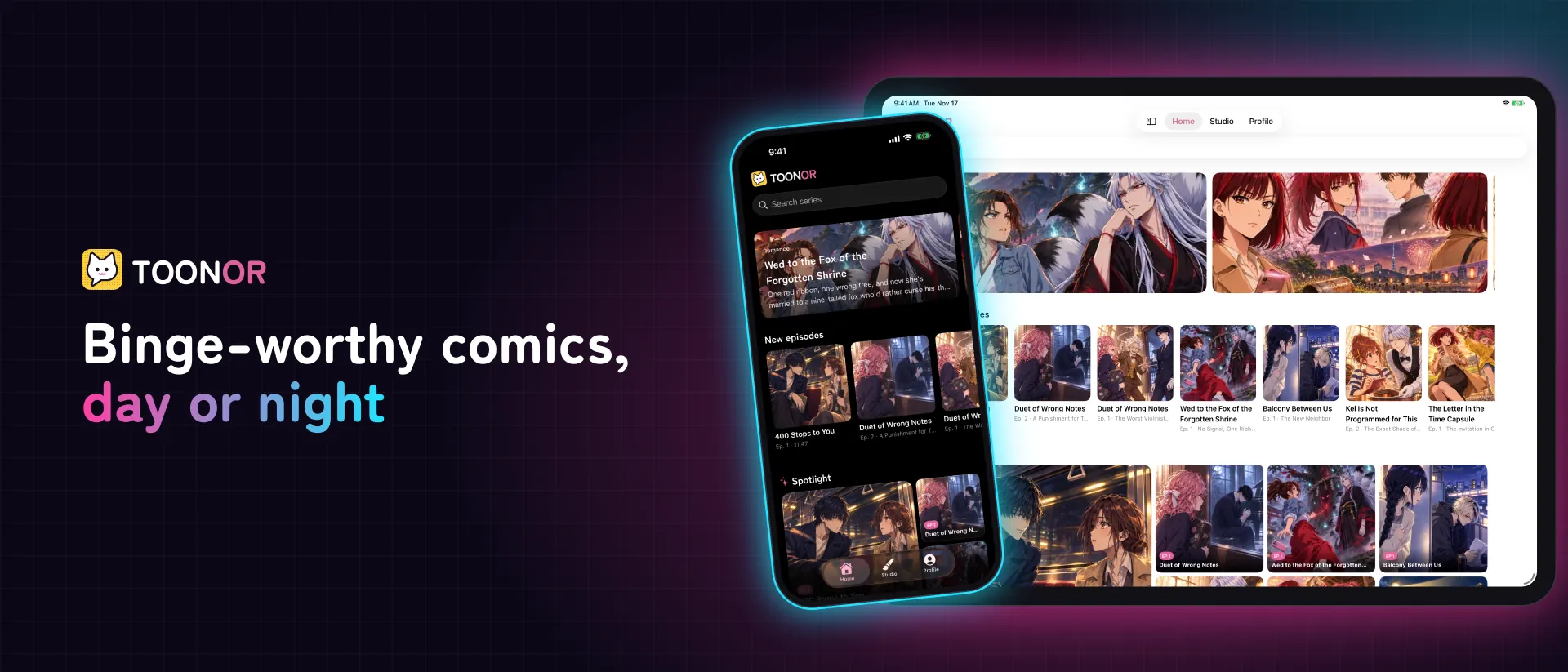
One app, built natively for every Apple screen. On iPad and Mac the tabs become a sidebar, shelves reflow to fill the width, and the reader keeps each page at a comfortable size so the art stays sharp.
Make your own series
The Studio tab is in the app too. Start a series, shape your characters, script episodes and pick a soundtrack, then let Toonor draw the pages while you keep reading. Creator plans and credit boosts are available as in-app purchases.
See creator plansA friendly place to read
Report an episode or a comment from its ••• menu, hide commenters you'd rather not see, and reach support straight from Settings. Your account, and everything in it, can be deleted from the app at any time.
Privacy policyAs seen on the App Store
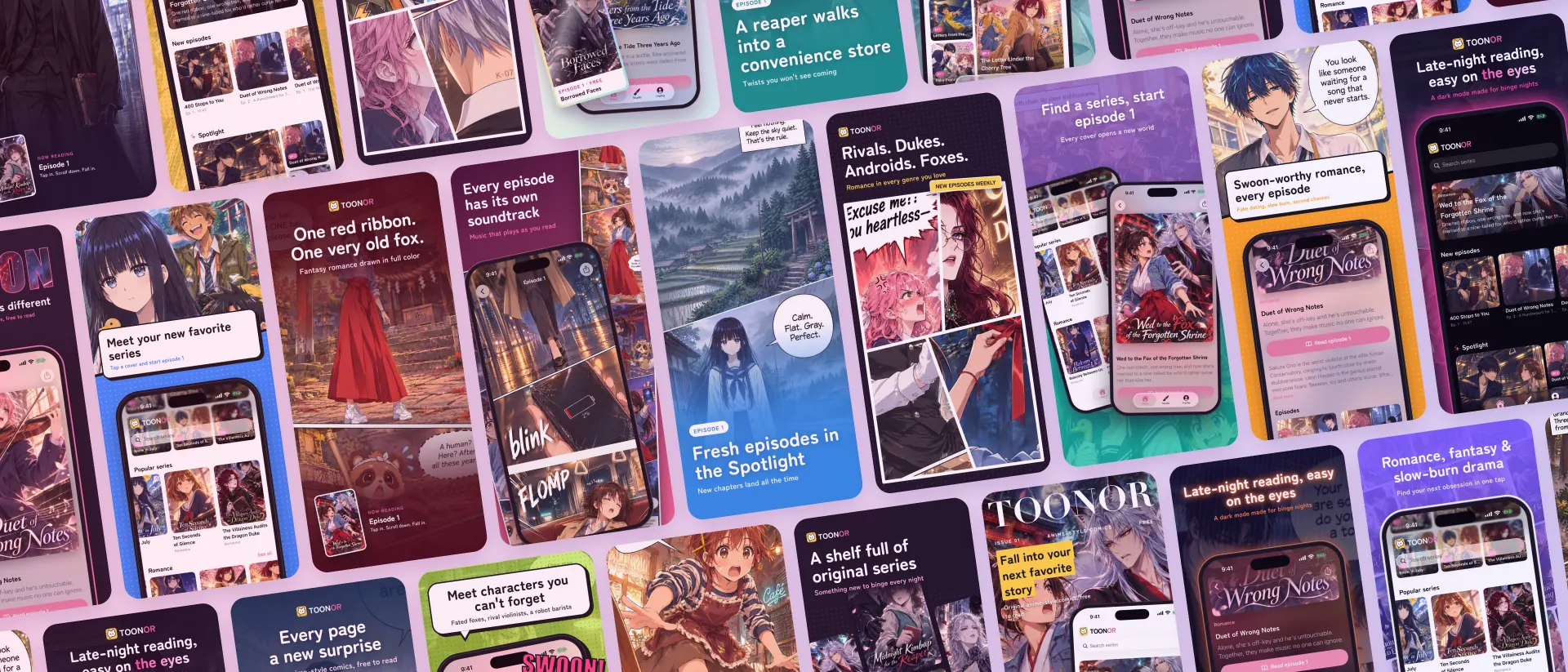
A few of the screens we made for the Toonor App Store page.